

Therapy Productivity Calculator
Find your perfect clock-out time or check the productivity you reached, the way real therapy clinics do. Choose a calculator below: standard, lunch break, concurrent therapy, billing units or treatment minutes. Enter your numbers, press the button and get your exact result.
Your Result
Therapy Productivity Calculator: Complete Guide
Learn how therapy productivity is calculated, understand billable versus worked time, explore productivity targets across clinical settings, and plan your workday with confidence. Select a topic below to read the details you need.
How to Use the Therapy Productivity Calculator
Using the Therapist Productivity Calculator is simple. Enter the time you clock in, plus your total billable therapy time (in hours and minutes), and your productivity target (as a percentage). For example, input a start time of 8:00 AM, billable therapy minutes, and a goal like 85%. The tool will instantly calculate your total worked minutes (including non-billable tasks) and give you a “perfect” clock-out time. You can also add unpaid breaks (like lunch) if needed – just enter break minutes, and the calculator will extend your end time accordingly. No login or personal data is required; your inputs are saved locally for convenience. In just a few seconds, you’ll know exactly when your day should end to meet your productivity goal.
Therapy Productivity Metrics Explained
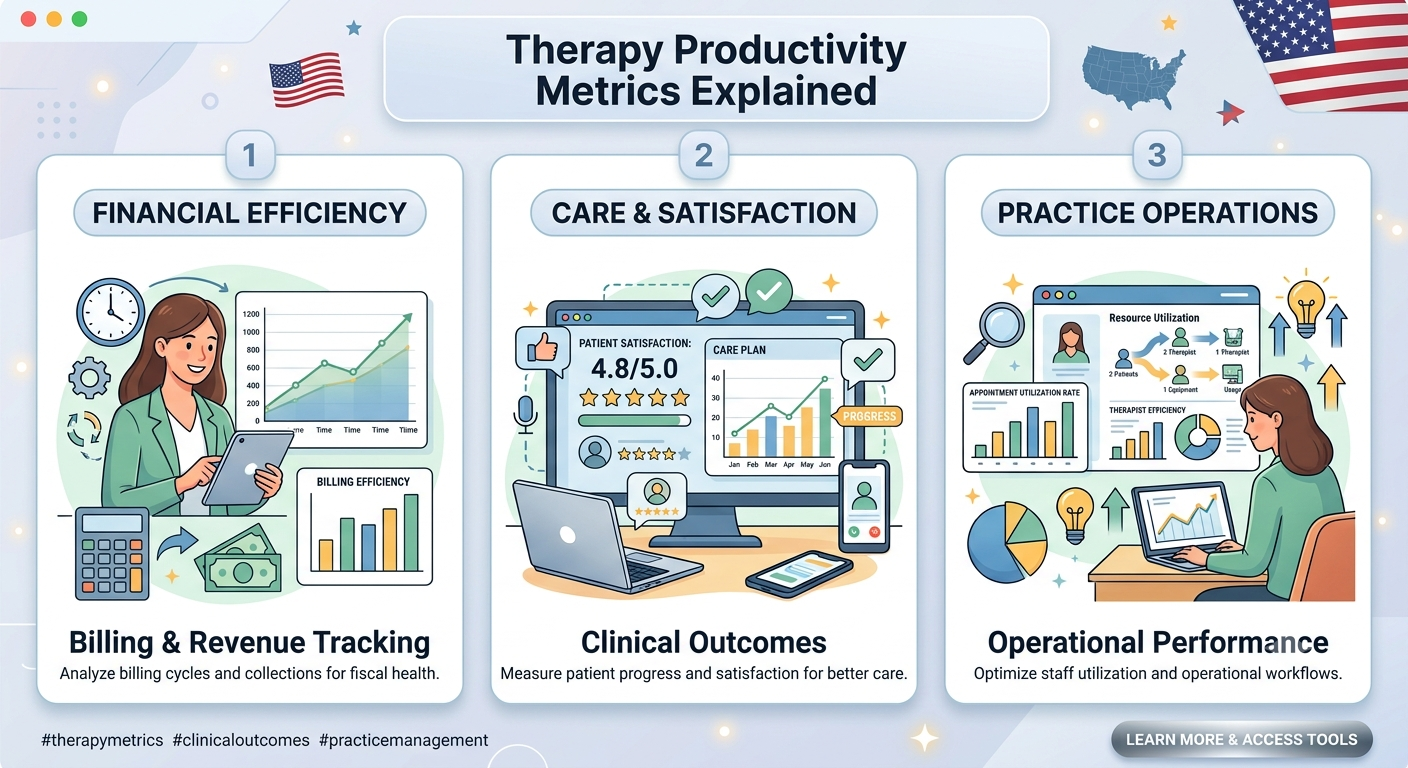
Therapy productivity is usually expressed as a percentage of paid time that is billable (direct treatment) vs. total worked time. In practice, billable minutes (time spent in therapy sessions) form the numerator, and total worked minutes (billable time plus non-billable tasks like documentation, transitions, or meetings) form the denominator. Unpaid breaks (like lunch) are typically excluded from “worked” time. For example, if you spend 306 minutes in sessions and 54 minutes on notes and admin in a 360-minute paid shift, your productivity is 85% (306 ÷ 360 × 100). This Therapy Productivity Percentage tells you how efficiently you’re using your work hours for direct patient care. Keeping track of these metrics helps you see where non-billable time is going and find ways to improve.
How to Calculate Therapy Productivity Percentage
The Therapy Productivity Formula is straightforward: Productivity % = (Billable minutes ÷ Total worked minutes) × 100. For example, if your productivity goal is 85% and you have 306 billable minutes to complete, you divide 306 by 0.85 to find total worked minutes (306 ÷ 0.85 = 360). That means you need 360 minutes of paid time to hit 306 billable minutes at 85% productivity. Put differently, working 6 hours (360 minutes) with an 85% target lets you fill 5 hours 6 minutes of that time with direct therapy. Understanding the formula lets you reverse the process too: if you know how long you worked and want to see your productivity, just divide billable minutes by worked minutes and multiply by 100. The calculator does this math for you, so you can focus on care rather than calculations.
What Is a Good Therapist Productivity Rate?
Therapy productivity targets vary widely. In outpatient clinics, organizations often aim for high rates (sometimes 75–85%), whereas inpatient or home health settings may have lower targets due to travel and administrative demands. However, there is no single “good” rate for every setting. Each employer or payer typically defines how productivity is measured and what their goals are. For instance, some outpatient PT/OT/SLP departments set 80–85% goals, while skilled nursing facilities (SNFs) might operate with 60–70% because therapists spend more time on documentation or shorter visits. When assessing your rate, use your workplace’s definition of billable vs. worked time. Above all, “good” means meeting your organization’s target reliably, not hitting an arbitrary number. If you consistently reach your goal, you’re doing well. Always verify local policies and consider care quality; high productivity shouldn’t come at the cost of patient outcomes or therapist burnout.
Billable Hours vs. Total Working Hours
It’s important to distinguish billable hours (time providing chargeable patient care) from total working hours (all paid work time). Total working hours include billable minutes plus other paid activities like charting, team meetings, or patient coordination. Unpaid breaks (like a 30-minute lunch) are generally not counted as worked time, so they’re added back onto your clock-out time. For example, if you finish your required billable work by 2:00 PM but have an unpaid lunch afterward, your actual end time might be 2:30 PM. In other words, your productivity calculation ignores that lunch break, so you still hit the same percentage with just your paid time. Tracking these separately helps you see how much non-billable (but necessary) work you do. If you find too much documentation or meetings squeezing therapy time, the calculator will show it by a longer total workday to hit your target. This clarity can help you advocate for schedule changes or adjust expectations.
Productivity Across Different Therapy Settings
Therapy productivity is calculated the same way across roles (PT, OT, SLP, COTA, etc.), but expectations differ by setting. In outpatient clinics, therapists often see back-to-back patients, so organizations set high billable-minutes targets. In schools or hospitals, therapists might have more screenings, travel, or emergencies, so productivity percentages tend to be lower. For example, a home health therapist may only drive between patients all day, so their billable percentage might naturally be lower even if they work a full day. Skilled nursing (SNF) therapists frequently have intensive documentation and team meetings, which also lowers pure billable time. The key is always using the same “denominator” – the total worked time – that your employer uses. When you do that, you can compare your performance meaningfully. In each case, the Therapist Productivity Calculator helps tailor the numbers: just plug in whatever definitions your organization uses. Whether you’re in a high-volume outpatient clinic or a travel-heavy home care setting, the math of billable minutes ÷ worked minutes applies equally.
3 Practical Ways to Improve Therapy Productivity Without Burnout

Plan Your Schedule Efficiently: Use the calculator to block out your day realistically. Start by entering your target and billable minutes to see your ideal end time, then schedule appointments and paperwork around that. Avoid overbooking. For example, if the calculator shows you can end at 2:00 PM to meet your goal, don’t fill your schedule past that. This prevents taking work home or running overtime.
Streamline Documentation: Small improvements here free up big chunks of time. Consider using quick note templates or speech-to-text for charting. Group similar tasks (like documentation) together rather than switching tasks constantly. Fewer interruptions and organized charts mean more consecutive treatment time, raising your productivity.
Take Smart Breaks: It might sound counterintuitive, but regular short breaks (even 5–10 minutes every few hours) can actually boost your focus and efficiency. Sticking to set start/stop times and taking brief, scheduled pauses helps maintain energy without eating into billable time. These habits prevent burnout by giving you mental rest. Remember: the calculator can add scheduled break minutes after computing your day. If lunch is unpaid or you need two 15-minute breaks, input those so your end time adjusts – without counting them against your productivity percentage.
Calculate Your Therapy Productivity
Ready to see the numbers for your day? Try the calculator with your own data. For example, say you start at 8:00 AM, need 306 billable minutes, and aim for 85% productivity. The tool will compute 6 hours (360 minutes) total worked time and tell you to finish at about 2:00 PM. That means you’d have 6 minutes per hour on average for non-billable tasks while meeting your goal. By plugging in your typical schedule – start time, hours of therapy, and a realistic target – you get an exact clock-out time and see how any unpaid breaks shift that. This clear snapshot of billable vs. non-billable time can guide your planning. Use the Therapy Productivity Calculator whenever you set goals, adjust schedules, or just want to understand your daily workflow better. It’s a friendly way to keep your day on track and your productivity in check.
Review official APTA physical therapy resources for professional guidance.
Frequently
Asked Questions
A Therapy Productivity Calculator is an online tool that uses your shift start time, billable therapy minutes, and productivity target to compute your total worked hours and ideal end time. It essentially shows when you should finish work to meet your productivity goal without guessing.
Productivity is (billable treatment minutes ÷ total worked minutes) × 100%. For example, 306 minutes of therapy in a 360-minute workday is 85% productivity. The calculator applies this formula automatically.
No – unpaid lunch/breaks are not counted in worked time. You can enter a break length, and the tool will simply add that to your end time. For example, a 30-minute unpaid lunch extends your day by 30 minutes without changing your productivity percentage.
If your lunch is paid (i.e. counts as worked time), leave the break field at 0 and use your usual productivity target. The calculator then treats lunch as part of your worked hours (so it doesn’t need to extend the day).
No login is needed, and no personal data is stored. The calculator runs in your browser and only saves your settings locally so you don’t have to re-enter them next time.
Yes. The math is the same for any therapy role. Just ensure you enter the same definitions your workplace uses for “worked time” and “billable time” for whichever role you’re in.
Productivity measures how much of your paid time is billable (treatment) time. Utilization usually compares scheduled time (what was on the books) to the time you actually billed. They are related but different metrics. Use a utilization calculator for scheduling efficiency, and this productivity calculator for fill rate vs. worked time.
Yes. Any job that tracks billable minutes and has a productivity target can use the same formula. For example, it works for other allied health providers or even sales roles measuring billable vs. total time.
Because lunch is time away from patient care. If lunch is unpaid, we add it after computing your end time. This reflects that it doesn’t count toward the worked minutes used in the productivity calculation.
Calculations are minute-based and typically any fraction is rounded down to the next whole minute. This ensures your computed end time isn’t artificially early. For instance, if the math gave 6.8 hours, it would show 6 hours 48 minutes.